Thank you for always using Nuita. Thanks to this update, the new timeline is now available. Let’s take a look at the details and how to switch over right away in this article!
Introducing the New Timeline
The biggest feature of the new timeline is that it now prioritizes the content you like. Combine the Follow feature and Favorite Tags feature described below to customize the posts that flow through your own timeline!
Follow feature
With the new timeline, posts from users you follow will now be shown with priority. Following someone is very easy — just press the “Follow” button on another user’s profile.
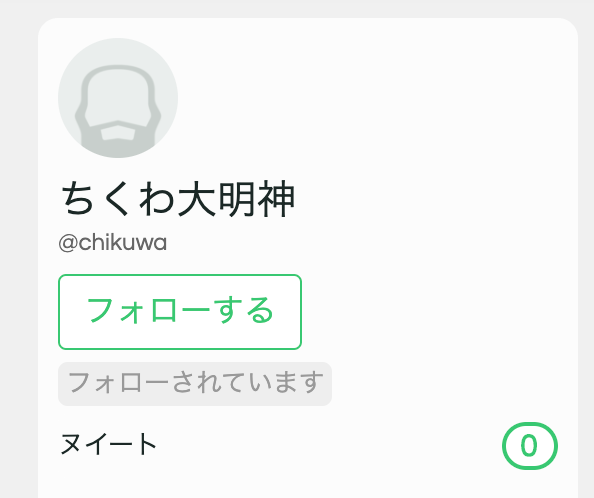
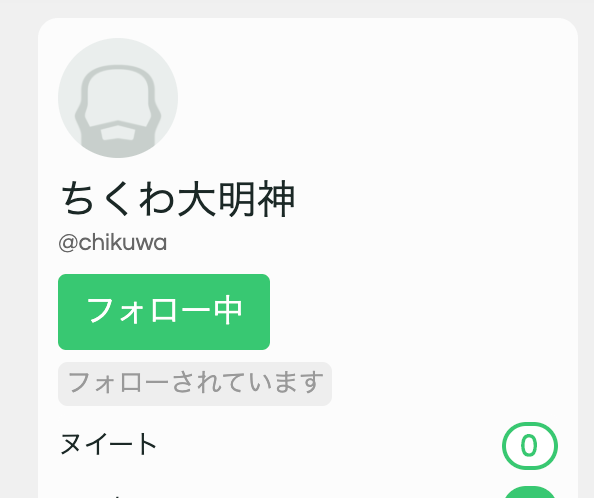
Follow lots of people who share your tastes and build a timeline just for you! You can see the list of users you follow and your followers on your own profile.
Favorite Tags feature
Is there a genre you absolutely don’t want to miss? If so, register that genre as a “Favorite Tag” and have it shown on your timeline.
Posts tagged with a favorite tag will always be shown, no matter who posted them. Even if a friend with unusual kinks you don’t normally follow suddenly starts getting off to some quality yuri, you’ll spot it right away! Set your favorite tags now and discover plenty of content you love.
Global Timeline
This new timeline should make it easier to find fap material to your taste. But sometimes you might feel brave and want to encounter new users or new material. When that happens, set sail into the sea of the Global Timeline using the new icon added to the header.

On this page, just like the old Nuita, you can see a list of every user’s posts. Make new discoveries — new material and new users — on this Global Timeline.
How to switch
So far we’ve explained the features of the new timeline. So how do you actually use this feature?
The answer lies in the newly added “Settings” screen.
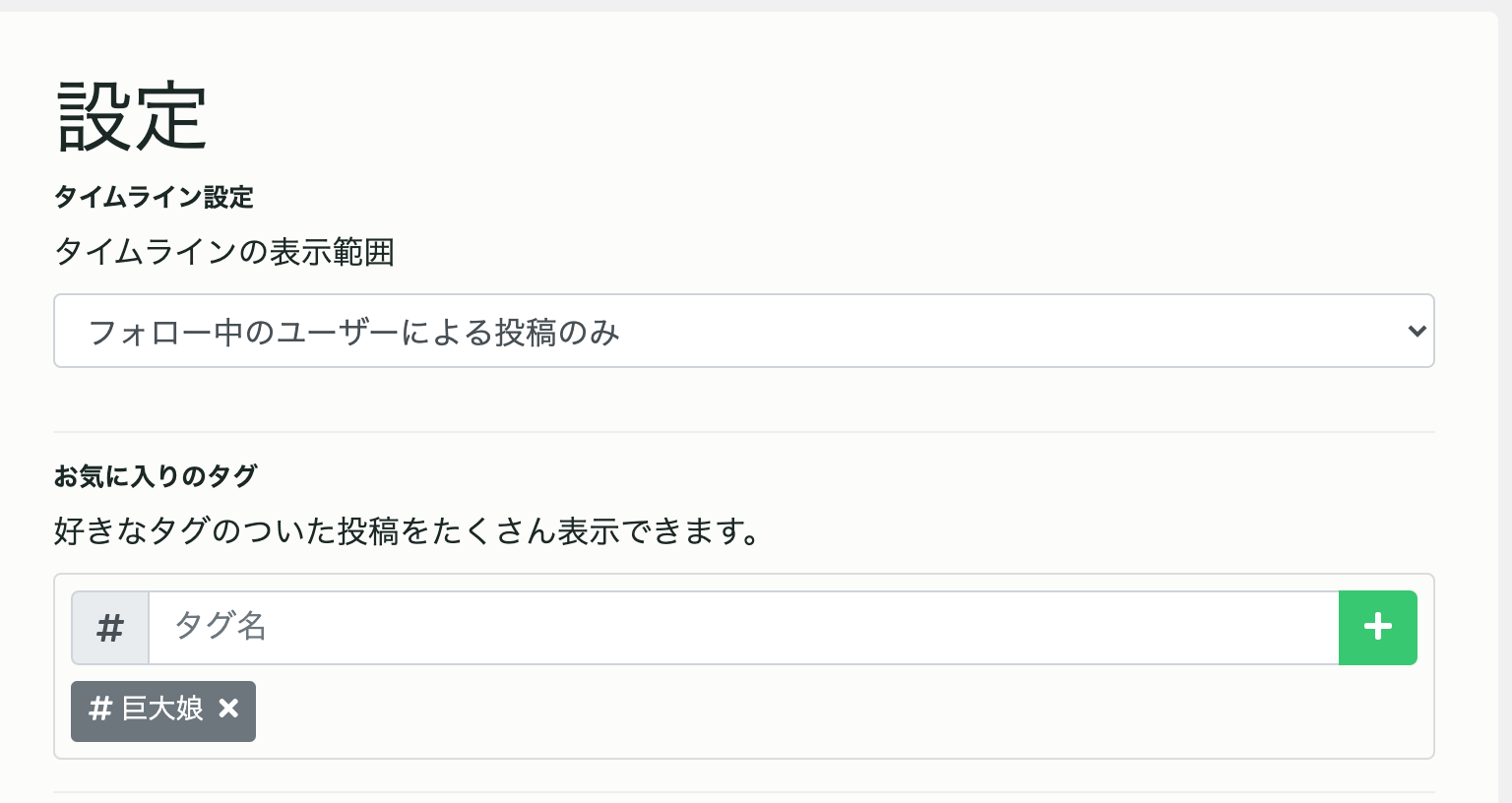
As shown in the image, changing “Timeline display range” in Settings to “Users I follow only” will enable the new timeline!
You can access this settings screen by tapping your own icon in the header.
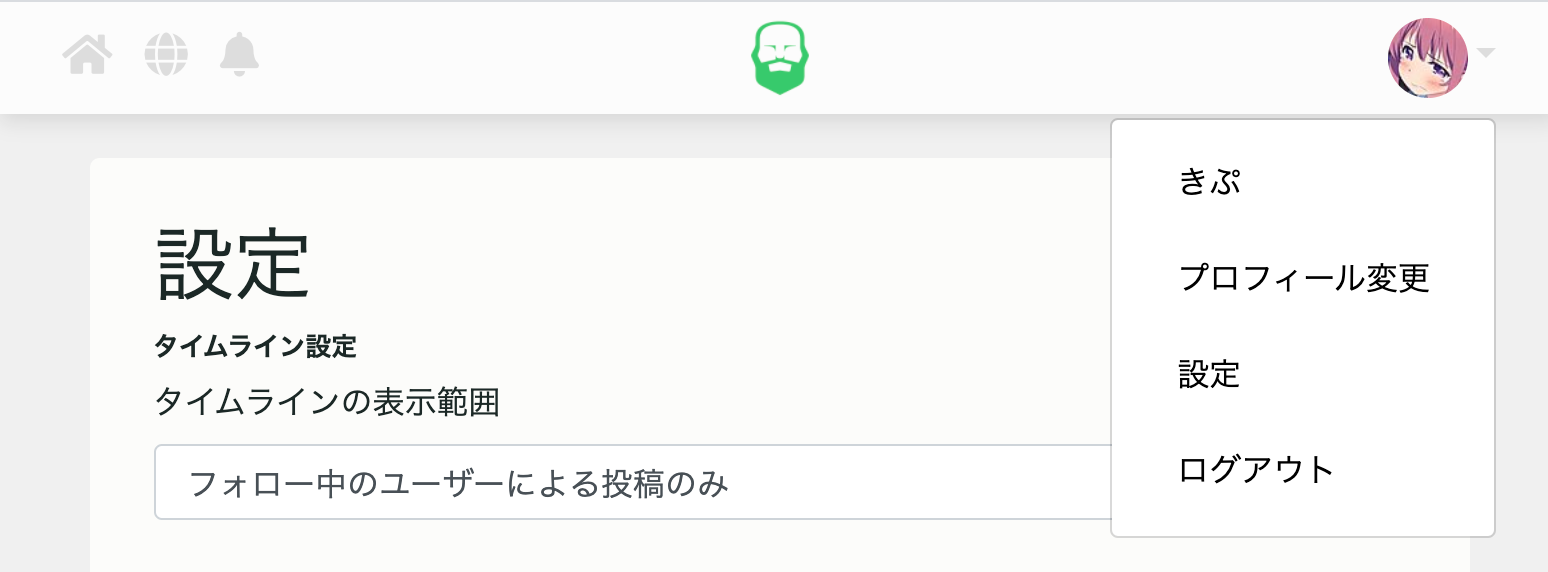
If, after trying it out, you decide you actually preferred the old timeline, you can restore everything by changing “Timeline display range” in Settings back to “All posts”. It’s easy to switch back and forth, so please give the new timeline a try!
If you have any thoughts on this new feature, feel free to reach out to us on twitter or GitHub. Now, enjoy cumming on Nuita, made even more convenient with the addition of the new timeline!