Thank you as always for using Nuita!
This time, Nuita now displays tags for fap material!
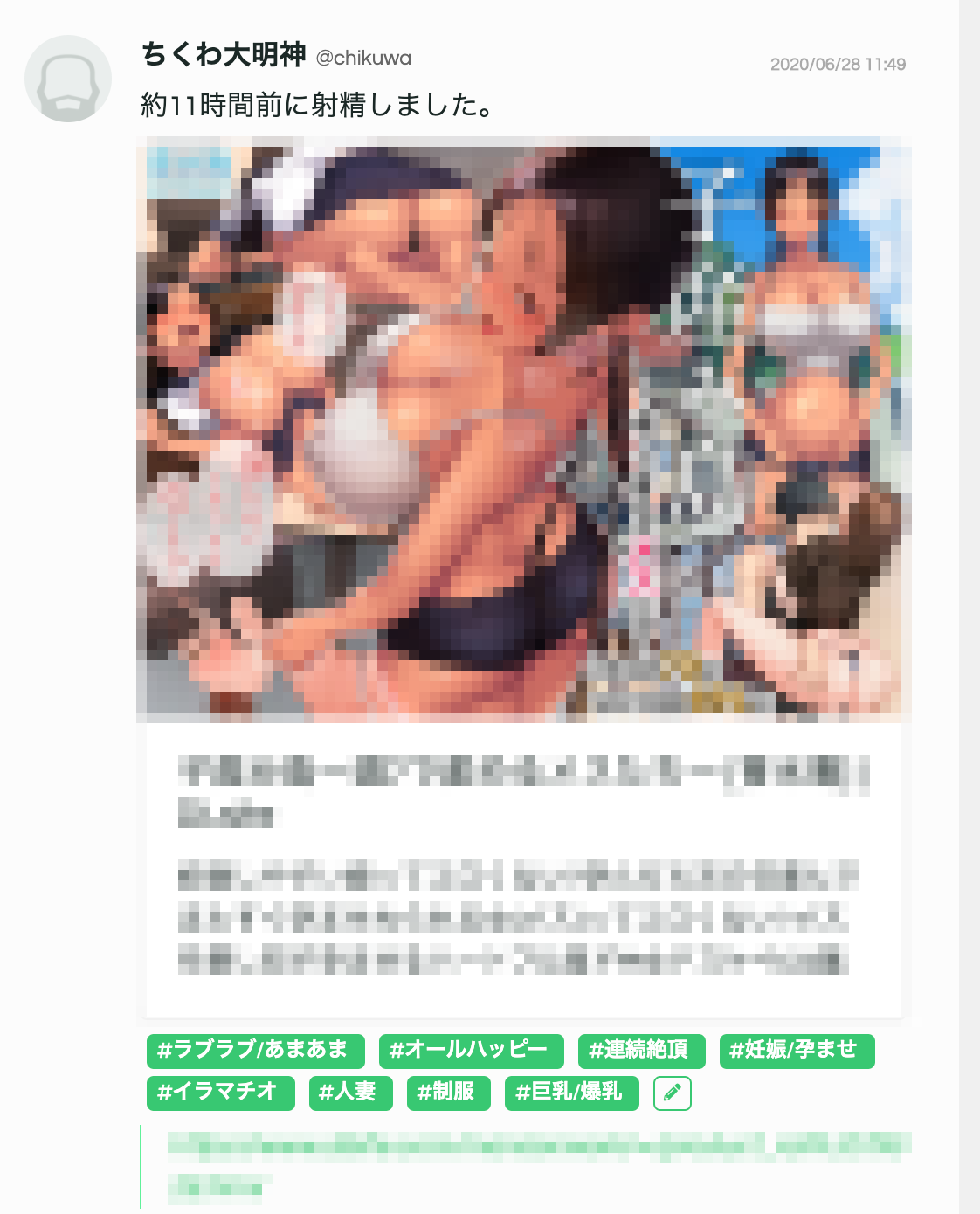
For most fap material supported by Panchira, diverse and wonderful tags like these now get added automatically.
That said, this only works by parsing the tag information that exists on the original website. If the source—like an image posted on Twitter—has no tag information, Nuita can’t fetch tags for it automatically either.
Noticed the pencil icon? When that happens, tap this pencil button and you can edit or add tags to fap material that’s already been posted!
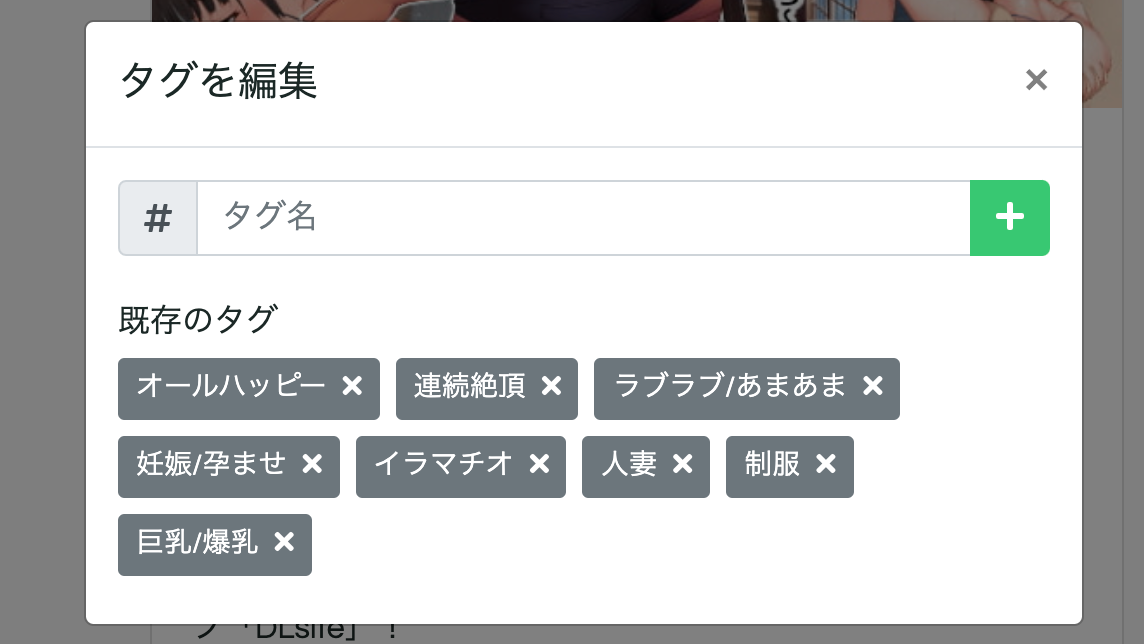
Now you can bust a nut to a wordlessly posted Twitter image without a worry in the world.
With tags now covering a much wider range, you can also set up a much wider variety of genres you’re not into!
For example, let’s say you (unimaginably) can’t stand pretty girls with dicks — until now, this genre, being neither R-18G nor 3D, couldn’t be hidden.
But now you can.
Go to the settings screen from “Edit Profile” at the top right of the header, and tap the button labeled “Edit Censorship Categories” near the bottom.
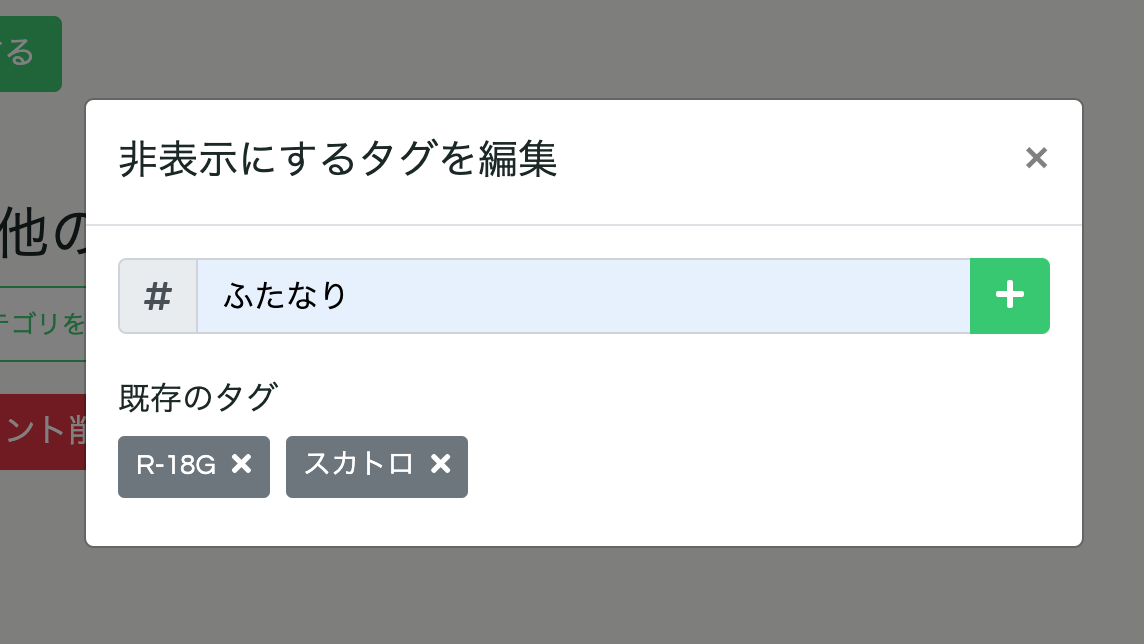
A modal like this pops up. Type a genre name in here and hit the “+” button,
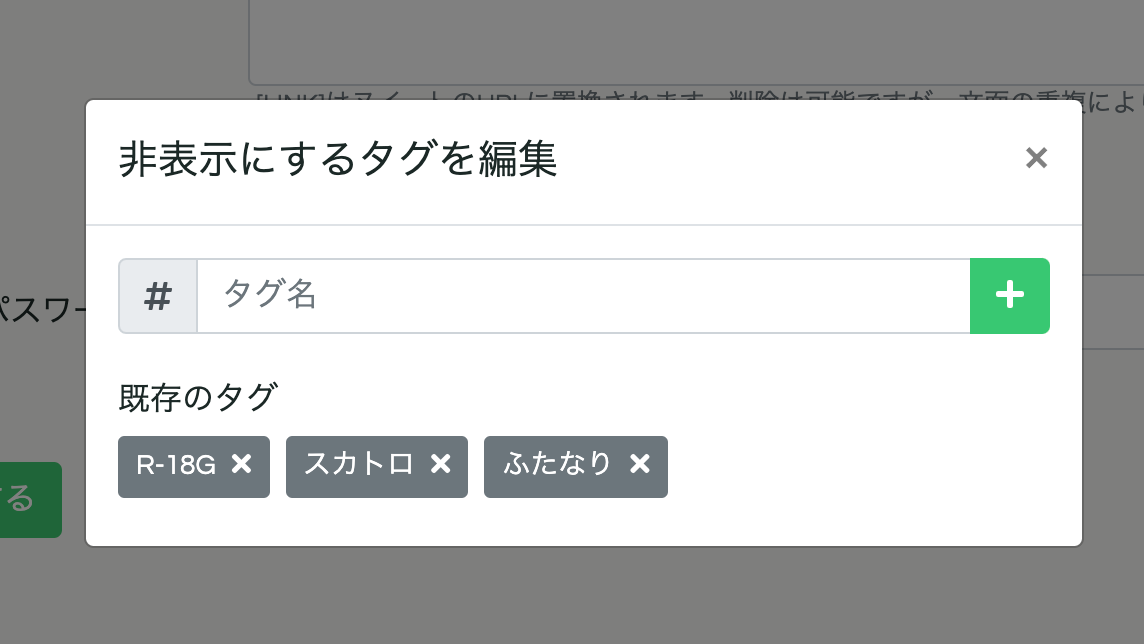
and that genre gets added to the list hidden from your timeline.
Going forward, Nuita plans to put this tag-fetching feature to work, building tools that help you find content that better matches your taste.
We also plan to gradually fetch tags for fap material that’s already been posted.
So, we hope you’ll keep enjoying the newly improved Nuita!
Side note: for genres that might not be to everyone’s taste, please tag them so people who aren’t into them don’t have to see them. With this update, R18G has been renamed to “R-18G.” Also, “scat” has been added as a censorship tag for all users. For any content depicting mixed substances excreted from the human digestive system, please also add the “scat” tag.